 MyShare
Split the bill without
splitting the group.
Photograph the receipt. Everyone taps what they actually ordered. MyShare does the arithmetic, the currency, and the awkward part.
Four taps, one awkward conversation avoided.
Start to finish it takes about as long as reading the dessert menu.
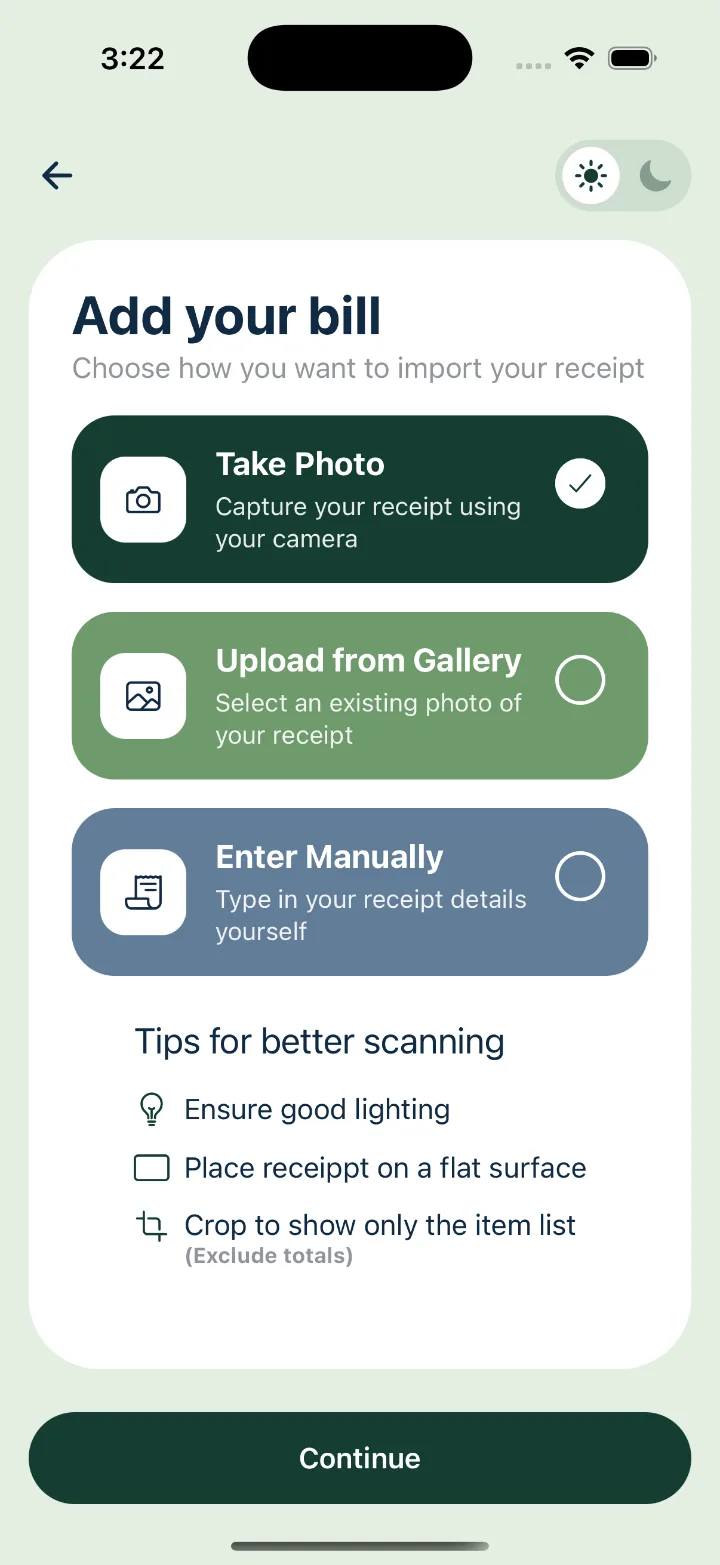
Camera, gallery, or type it in yourself when the receipt has gone through the wash.
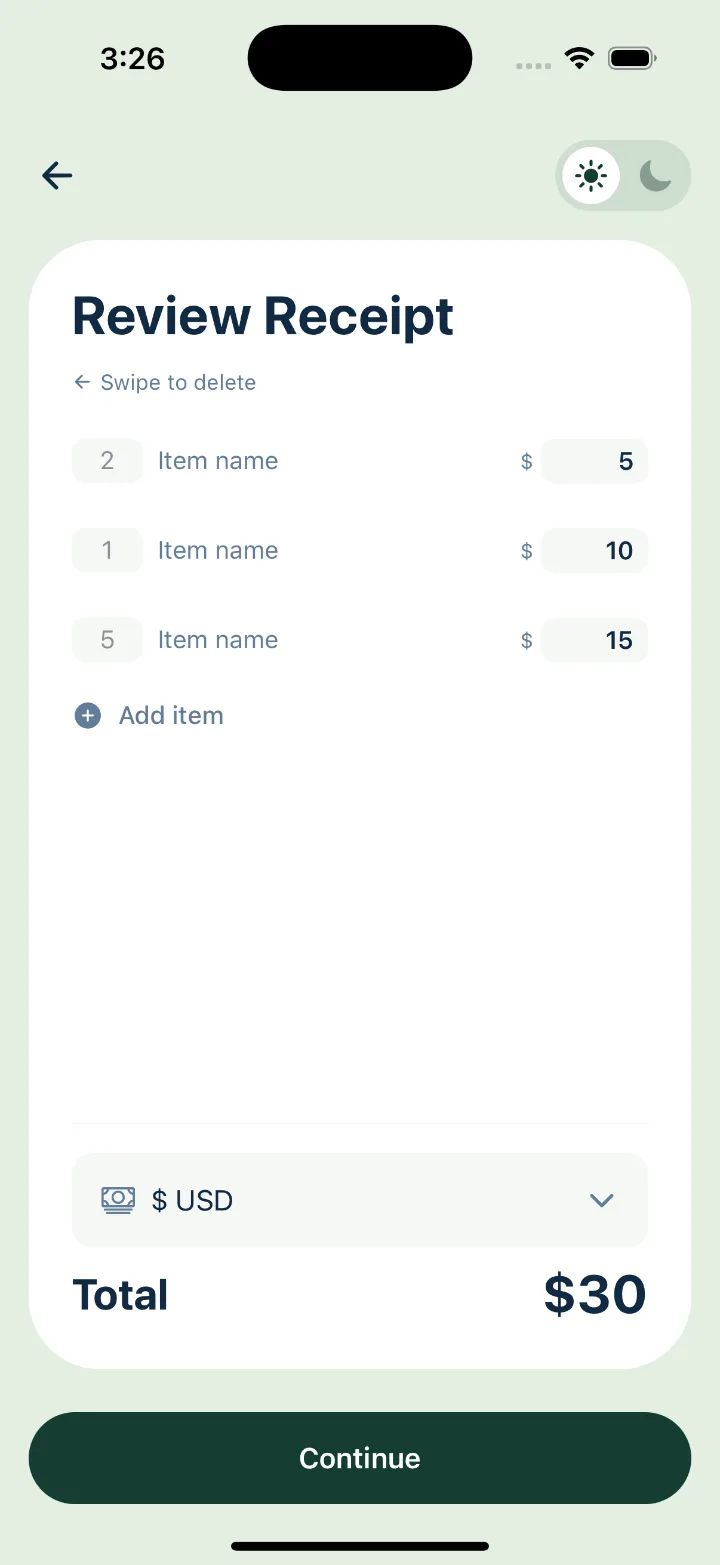
The scan reads names, quantities and prices. Edit a number, swipe a line away, add the one it missed.
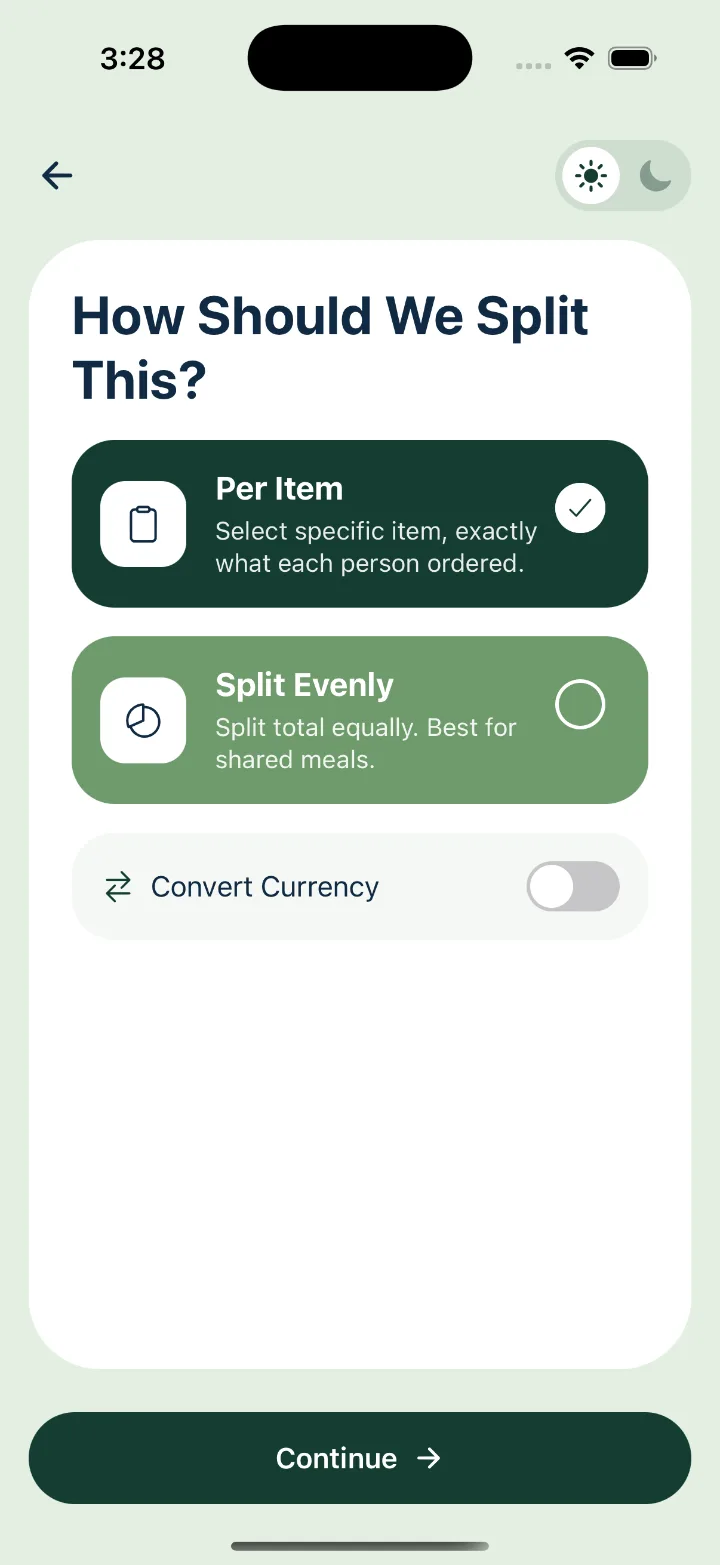
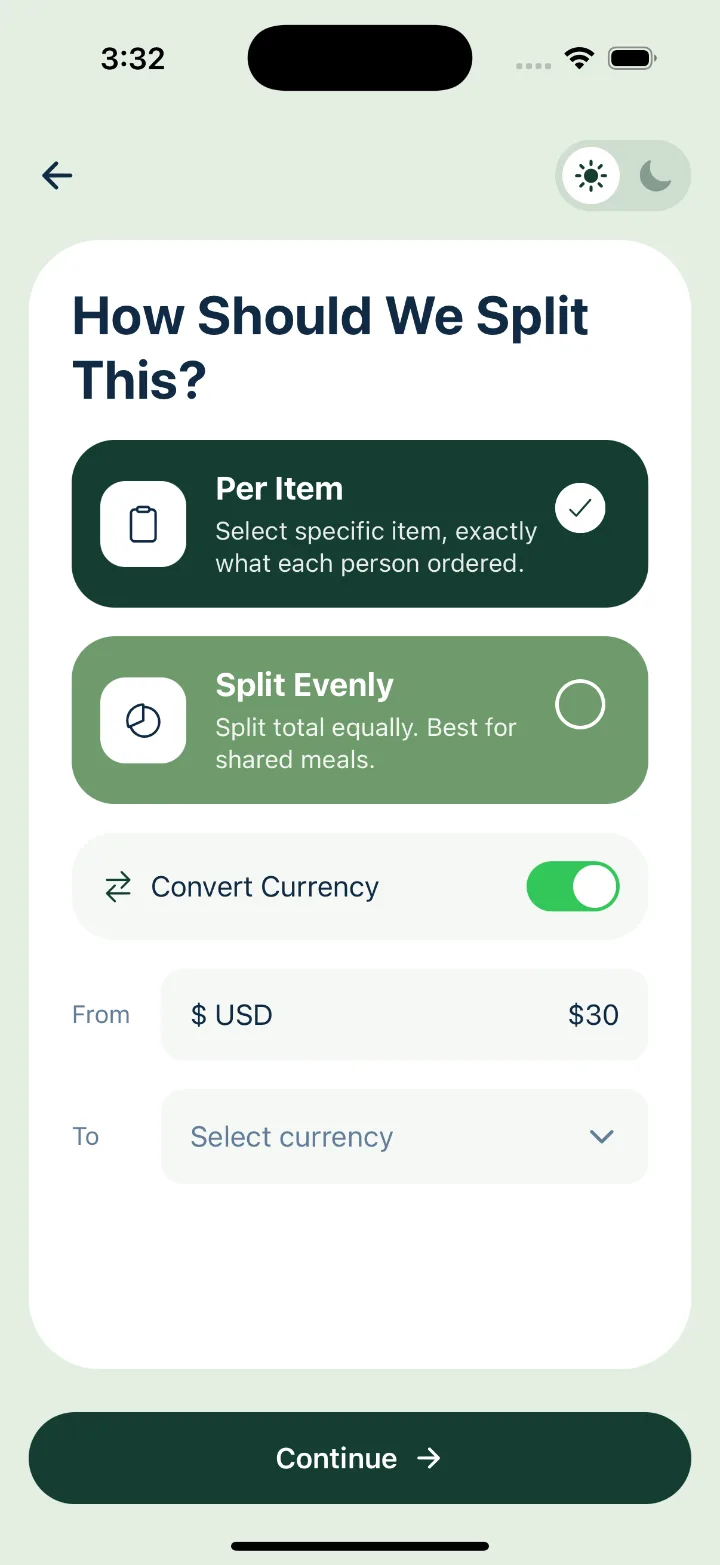
Per item for the people who counted, or evenly for the ones who didn't. Convert the currency while you're there.
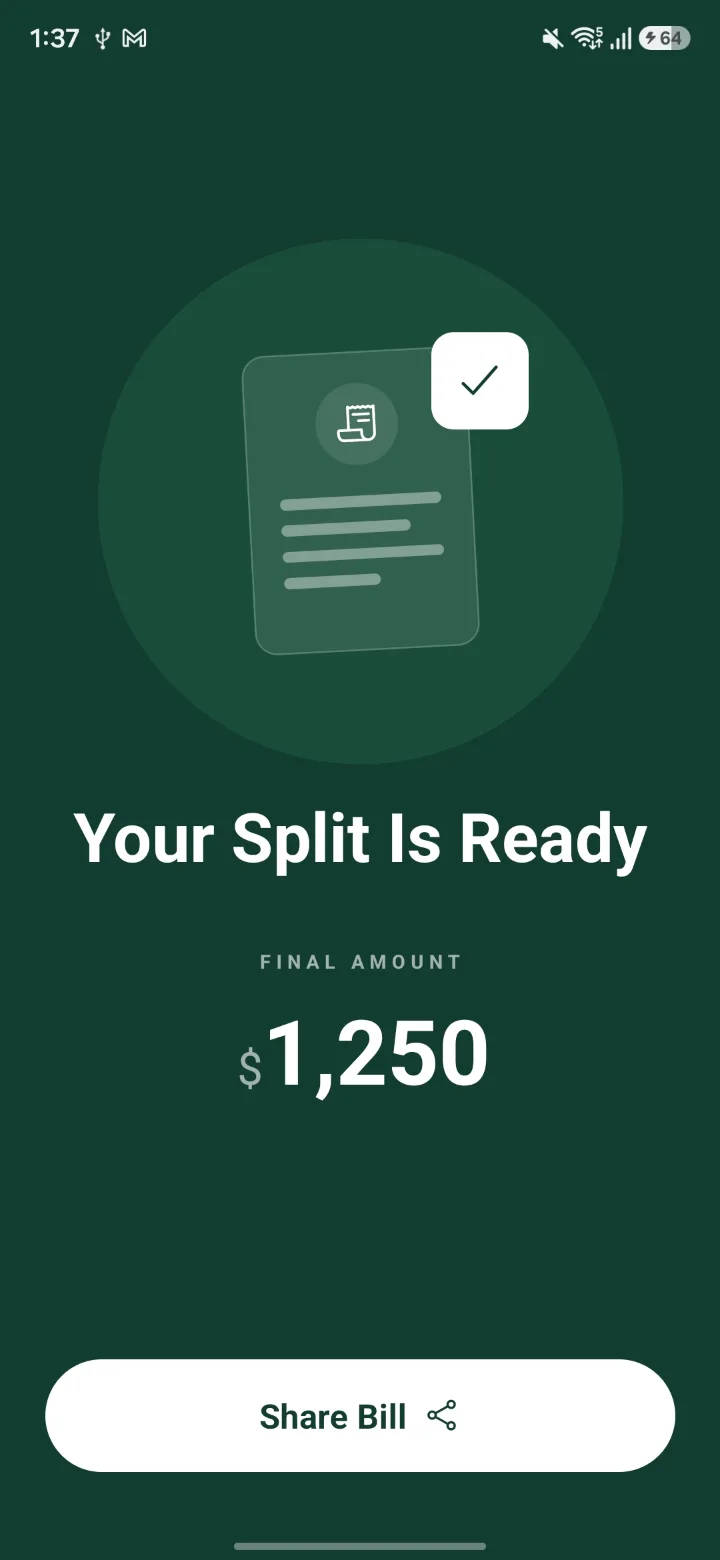
Drop it in the group chat. Everyone taps their own items and sees their own number.
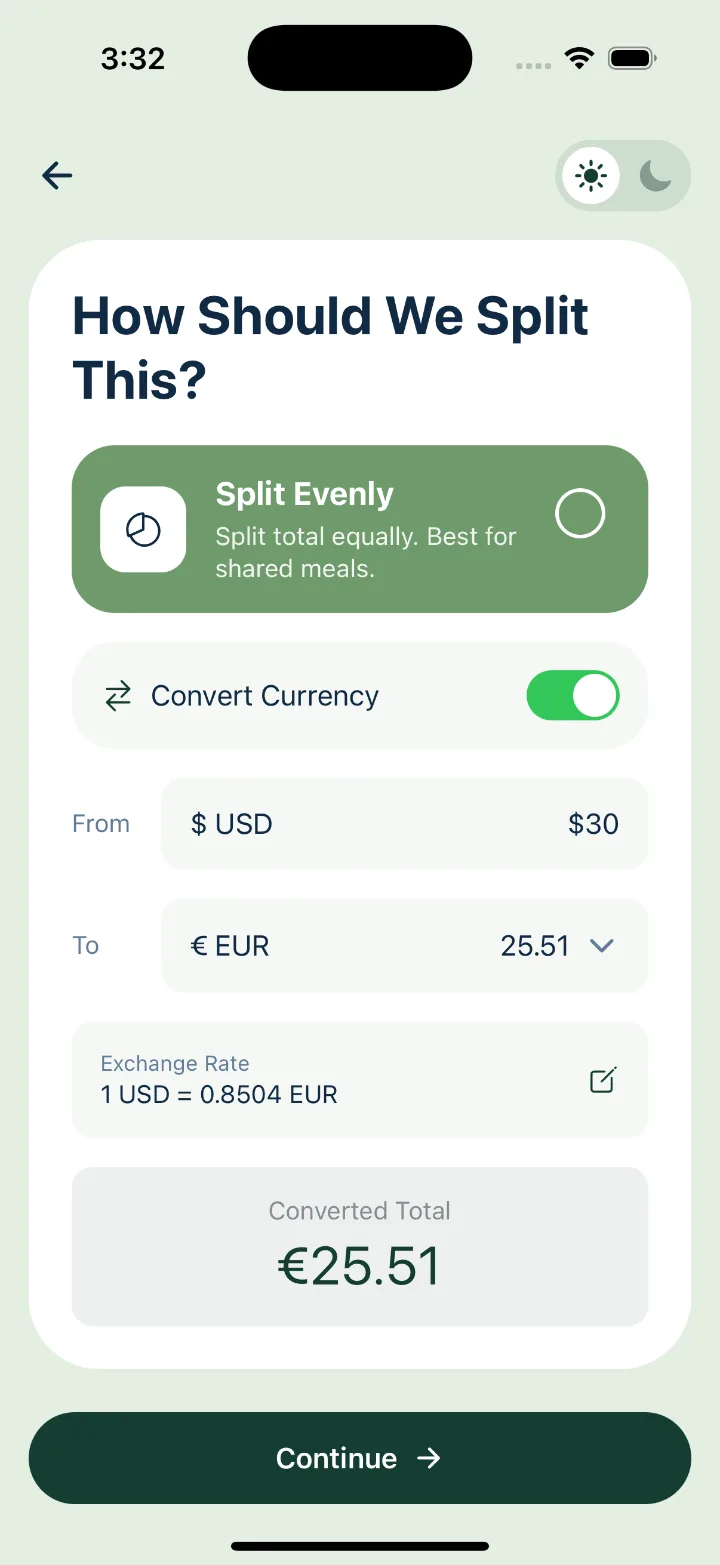
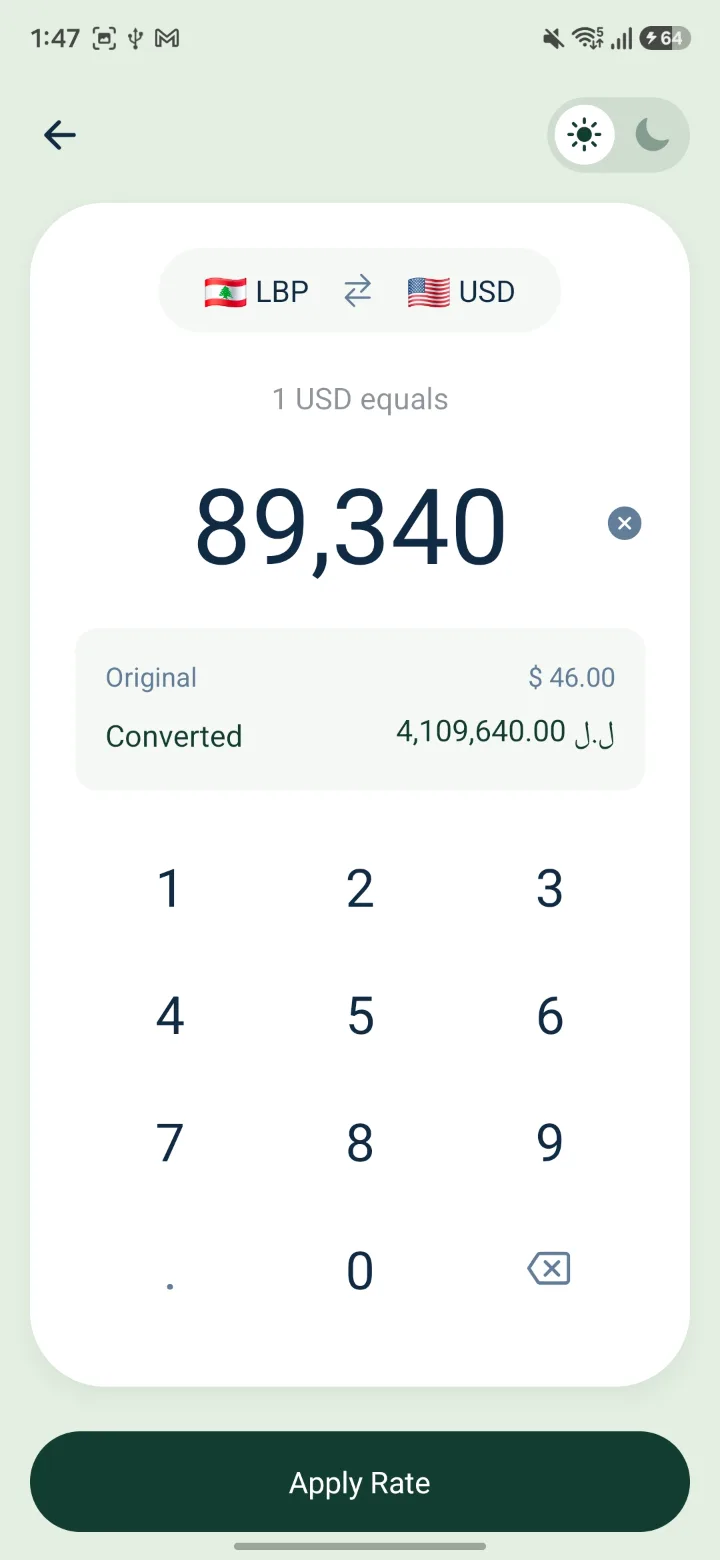
The official rate is rarely the rate you paid.
MyShare pulls a live rate so you have somewhere to start. Then it hands you a keypad, because the place you ate at had its own opinion and you were there.
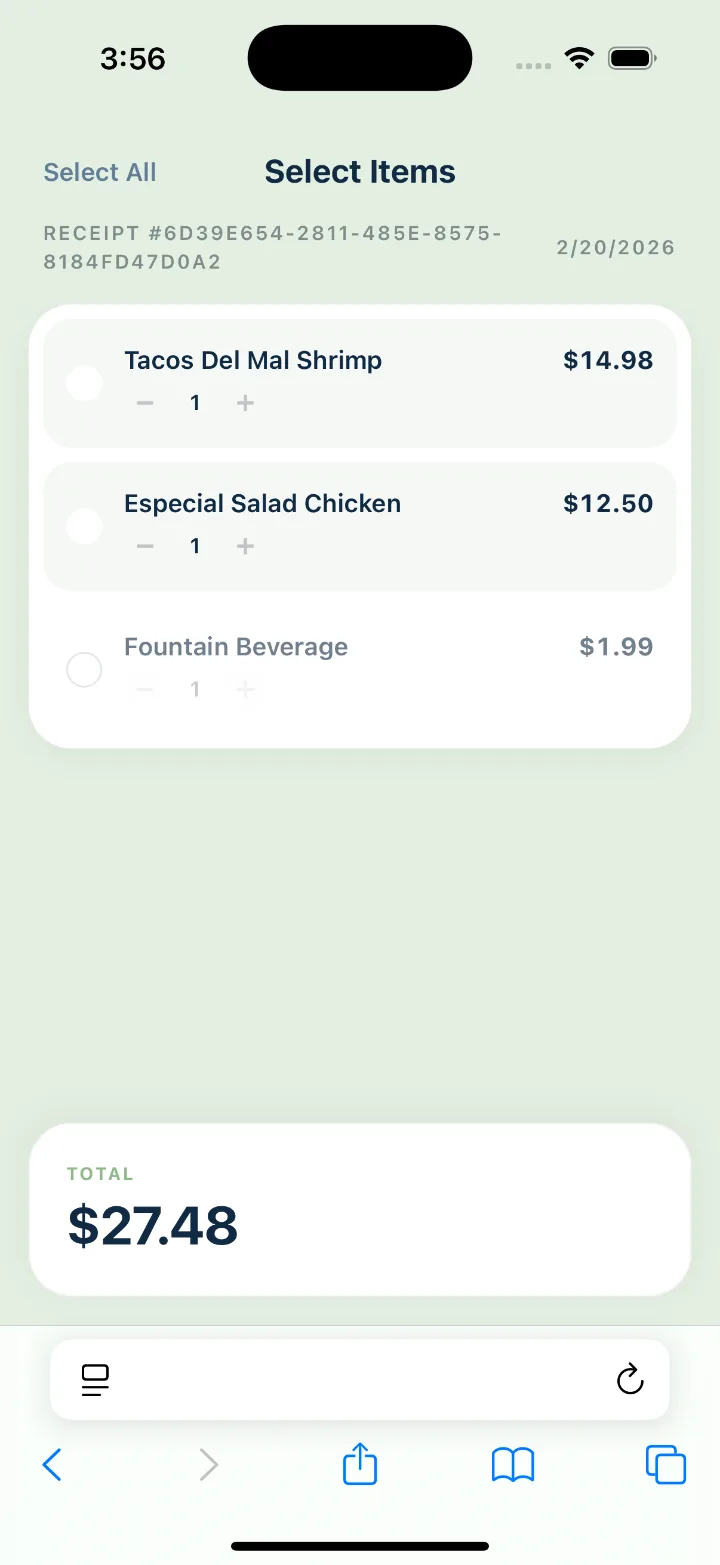
Your friends get a link, not a sign-up screen.
The shared bill opens straight in their browser. They tick the shrimp tacos, adjust the quantity, and their total updates at the bottom. No install, no account, no group admin duties for you.
See what your group gets →A real shared bill, opened the way your friends would open it. No app, no sign-up.
Shared the plate? Share the price.
One falafel platter, two forks. Tap Split this item, say how many people were in on it, and the price divides by that many. Two of you, half each. Three, a third. Everything else on the bill stays exactly as it was.
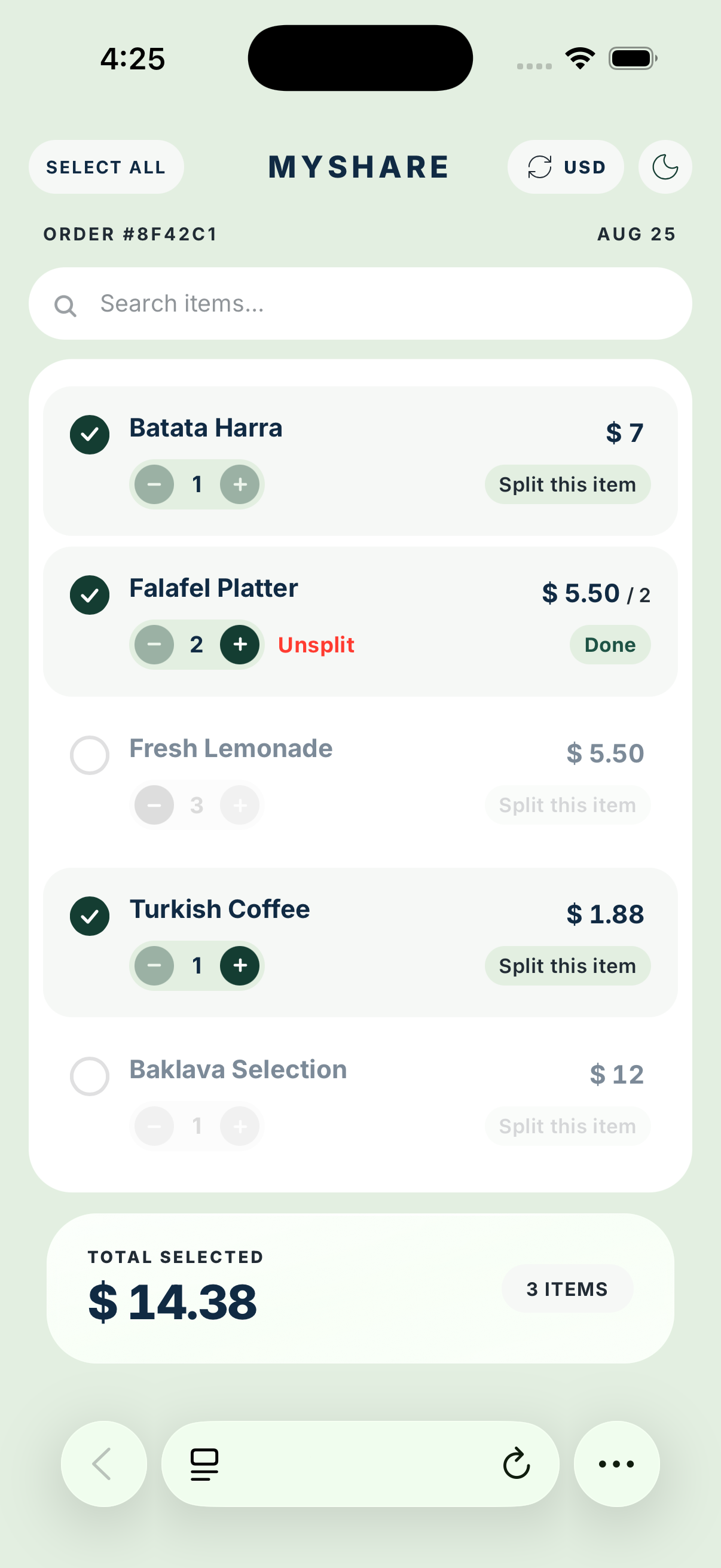
Small app. Suspiciously thorough.
Your receipt is read once and discarded. We strip its location data first, and store only the bill you chose to share.
Including the ones with six digits after the symbol.
Two honest ways to divide a table. Pick one per bill.
A toggle on every screen, for the 1am bills.
Every line, price and rate can be edited before you share.
Questions people ask
No. They open the link you send, tick what they had, and read their number. Only the person adding the bill uses MyShare itself.
Fix it on the review screen. Tap a price to change it, swipe a line to delete it, and use Add item for anything the receipt left out.
No. MyShare works out who owes what and stops there. You settle up however you already do it.
To an AI service that reads the items and prices off it, and nowhere else. We strip the photo's location data before it is sent, we never save the image, and it is gone as soon as the items come back. What we store is the bill you chose to share.
We're in beta. The iOS and Android apps are on the way — the download links will appear right here the day they go live.